
What is a Dictionary?
A dictionary in Python is a collection of unordered, changeable, and key-value paired items.
It is represented by curly braces {} with keys and values separated by a colon :.
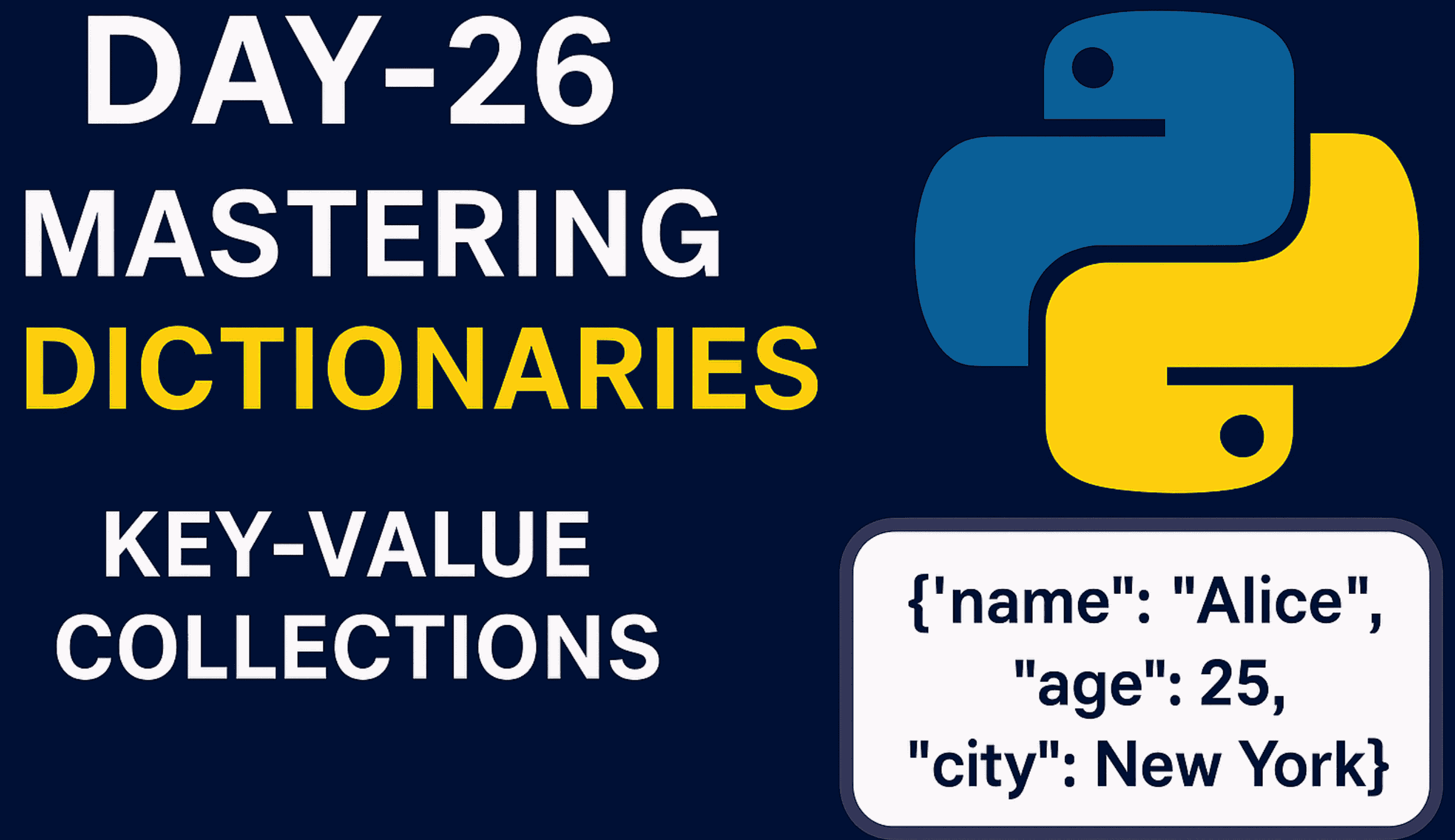
If you want to store data in key-value pairs, you can use a Dictionary. For example, to store a collection of related data like a person’s name and age, you can use a Dictionary. The Dictionary is represented by curly braces {} with keys and values separated by a colon :
person = {"name": "Alice", "age": 25, "city": "New York"}
Here, we have created a dictionary named person. It contains three key-value pairs: “name”: “Alice”, “age”: 25, and “city”: “New York”.
Dictionary Features
- Unordered: The items in a dictionary are stored without any specific order. The order of items may vary.
- Changeable: You can change, add, or remove key-value pairs in a dictionary after it is created.
- Key-Value Pairs: Each item in a dictionary consists of a key and a corresponding value.
Important Methods Used in Dictionary:
| Method / Operation | Description | Example |
|---|---|---|
dict.clear() | Removes all items from the dictionary. | d.clear() |
dict.copy() | Returns a shallow copy of the dictionary. | new = d.copy() |
dict.fromkeys(seq, value) | Creates a new dictionary with keys from a sequence, all set to the same value. | dict.fromkeys(['a','b'], 0) → {'a':0,'b':0} |
dict.get(key, default) | Returns value of the key; if not found, returns default (or None). | d.get("x", "Not Found") |
dict.items() | Returns a view object of key-value pairs (dict_items). | d.items() |
dict.keys() | Returns a view object of keys (dict_keys). | d.keys() |
dict.pop(key, default) | Removes key and returns its value. If key not found, returns default (or error). | d.pop("x", "NA") |
dict.popitem() | Removes and returns the last inserted key-value pair. | d.popitem() |
dict.setdefault(key, default) | Returns value of key. If not present, inserts with default. | d.setdefault("x", 0) |
dict.update(other) | Updates dictionary with items from another dict/iterable. | d.update({"x": 10}) |
dict.values() | Returns a view object of values (dict_values). | d.values() |
len(d) | Returns number of items in the dictionary. | len(d) |
key in d | Checks if a key exists in the dictionary. | "name" in d |
del d[key] | Deletes a key-value pair by key. | del d["age"] |
for k in d: | Iterates over all keys in dictionary. | for k in d: print(k) |
for v in d.values(): | Iterates over all values. | for v in d.values(): print(v) |
for k, v in d.items(): | Iterates over key-value pairs. | for k, v in d.items(): print(k, v) |
Methods that don’t work with Dictionary:
append()extend()insert()sort()reverse()count()index()
Since dictionaries are not sequences but mappings (key → value), these sequence-based methods cannot be used directly on dictionaries. If you want to use such methods, you have to convert the dictionary into a list or tuple first (e.g., list(d.items())) and then apply them.
# Original dictionary
d = {"a": 1, "b": 2, "c": 3}
print("Original Dictionary:", d)

# Convert dictionary to list of key-value tuples
lst = list(d.items())   # [('a',1), ('b',2), ('c',3)]
print("List from dictionary:", lst)

# Using list methods
lst.append(("d", 4))             # append a new item
lst.insert(1, ("z", 100))        # insert at index 1
lst.remove(("b", 2))             # remove specific item
lst.reverse()                     # reverse the list
print("List after list operations:", lst)

# Convert back to dictionary
d_new = dict(lst)
print("Dictionary after converting back:", d_new)
Using Dictionaries in Everyday Life
Create a Dictionary:
car = {"brand": "Toyota", "model": "Corolla", "year": 2025}
Access a Value by Key:
car_model = car["model"] # "Corolla"
Change a Value:
car["year"] = 2026
Add a New Key-Value Pair:
car["color"] = "blue"
Remove a Key-Value Pair:
car.pop("model")
Example 1: Storing Contact Information
contact = {"name": "Subin Thapa", "phone": "9761875043", "email": "subinthapa2092.com"}
phone_number = contact["phone"]
print("Phone Number:", phone_number)
contact["email"] = "subinthapa2022@gmail.com"
print("Updated Contact:", contact)
contact["address"] = "Dhunibeshi"
print("Contact with Address:", contact)
contact.pop("phone")
print("Contact after Removing Phone:", contact)
Example 2: Language Translation
translation = {"hello": "hola", "goodbye": "adiós", "please": "por favor", "thank you": "gracias"}
spanish_hello = translation["hello"]
print("Hello in Spanish:", spanish_hello)
Example 3: Check if Key Available
squares = {2: 4, 4: 16, 6: 36, 8: 64, 10: 100}
is_two_present = 2 in squares
print("Is 2 in the dictionary?", is_two_present)
is_four_present = 4 in squares
print("Is 4 in the dictionary?", is_four_present)
is_sixty_four_key = 64 in squares
print("Is 64 a key in the dictionary?", is_sixty_four_key)
Example 4: Nested Dictionary
students = {
    "101": {"name": "Alice", "age": 20},
    "102": {"name": "Bob", "age": 22},
    "103": {"name": "Charlie", "age": 21}
}
print("Students Dictionary:", students)
print("Name of Roll 101:", students["101"]["name"])
students["102"]["age"] = 23
print("After Updating Roll 102:", students)
students["104"] = {"name": "David", "age": 19}
print("After Adding Roll 104:", students)
students.pop("103")
print("After Removing Roll 103:", students)
Dictionary Comprehension in Python
# Syntax:
# {key_expression: value_expression for item in iterable if condition}
Example 5: Dictionary Comprehension – Squares of Numbers
squares = {x: x*x for x in range(1, 6)}
print("Squares Dictionary:", squares)
print("Square of 3:", squares[3])
Example 6: Dictionary Comprehension – Filter by Value
student_scores = {"Alice": 85, "Bob": 76, "Charlie": 90, "David": 65,"Eve": 88}
high_scorers = {name: score for name, score in student_scores.items() if score > 80}
print("High Scorers:", high_scorers)
Challenge 26:
# Create a dictionary of your favorite stocks and their buy dates.
# Add a new buy stock, update the buy date, and remove a stock.
# Hint: Use a dictionary with stock symbols as keys and buy dates as values.

stocks = {"AAPL": "2023-05-01", "TSLA": "2023-06-10", "AMZN": "2023-07-15"}
stocks["MSFT"] = "2023-08-01"       # Add a new stock
stocks["TSLA"] = "2023-06-20"       # Update buy date
stocks.pop("AMZN")                  # Remove a stock
print("Updated Stocks:", stocks)
For more tutorials like this, visit my website and don’t forget to subscribe to my YouTube channel: Coding with Subin