
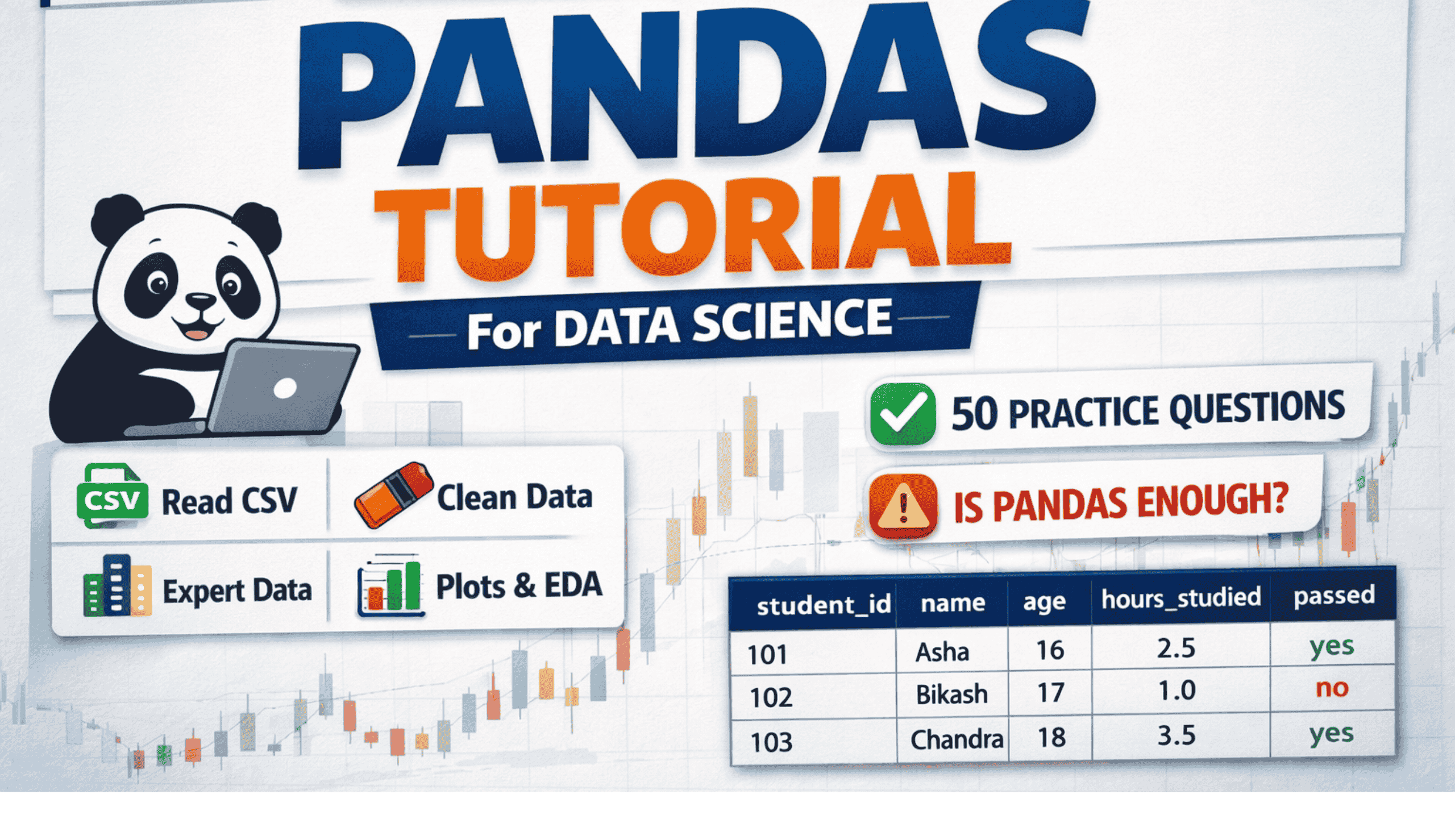
These notes fully cover all Pandas topics and subtopics required for:
- Python syllabus
- Data Science
- Machine Learning preprocessing
- Exams and interviews
1. Pandas Introduction
What is Pandas
Pandas is an open-source Python library used for data manipulation and data analysis. It provides fast, flexible, and expressive data structures.
Why Pandas is Used
- Handling structured data (tabular, time-series)
- Cleaning real-world datasets
- Exploratory Data Analysis (EDA)
- Data preprocessing for ML models
Pandas vs NumPy
- NumPy: numerical arrays (homogeneous)
- Pandas: labeled data (heterogeneous)
2. Pandas Getting Started
Installation
pip install pandas
Importing Pandas
import pandas as pd
import numpy as np
Check Version
pd.__version__
3. Pandas Data Structures
3.1 Series
A Series is a one-dimensional labeled array capable of holding any data type.
s = pd.Series([10, 20, 30], index=["a", "b", "c"])
Series Attributes
s.values
s.index
s.dtype
s.name
Series Methods
s.head()
s.tail()
s.sum()
s.mean()
3.2 DataFrame
A DataFrame is a two-dimensional labeled data structure with rows and columns.
df = pd.DataFrame(data)
DataFrame Inspection
df.head()
df.tail()
df.shape
df.columns
df.dtypes
df.info()
df.describe()
4. Reading and Writing Data
Read CSV
pd.read_csv("file.csv")
Read Excel
pd.read_excel("file.xlsx")
Read JSON
pd.read_json("file.json")
Write Files
df.to_csv("output.csv", index=False)
df.to_excel("output.xlsx", index=False)
5. Selecting, Indexing, and Filtering
Column Selection
df["age"]
df[["name", "age"]]
Row Filtering
df[df["age"] > 18]
Boolean Conditions
(df["age"] > 18) & (df["age"] < 60)
isin()
df[df["city"].isin(["KTM", "BHW"])]
loc and iloc
df.loc[0:2, ["name", "age"]]
df.iloc[0:3, 0:2]
query()
df.query("grade == 10 and city == 'KTM'")
6. Data Analysis (EDA)
value_counts
df["city"].value_counts()
unique and nunique
df["city"].unique()
df["city"].nunique()
GroupBy
df.groupby("city")["hours_studied"].mean()
Aggregation
df.groupby("grade").agg(
    avg_age=("age", "mean"),
    count_students=("student_id", "count")
)
7. Cleaning Data
7.1 Detect Missing Values
df.isna()
df.isna().sum()
7.2 Cleaning Empty Cells
Drop missing values
df.dropna()
Fill missing values
df["age"].fillna(df["age"].median())
df["city"].fillna("Unknown")
7.3 Cleaning Wrong Format
Convert to datetime
df["exam_date"] = pd.to_datetime(df["exam_date"])
Convert data types
df["grade"] = df["grade"].astype(int)
7.4 Cleaning Wrong Data
df = df[df["age"] > 0]
df["passed"] = df["passed"].replace({"Yes": "yes", "No": "no"})
7.5 Removing Duplicates
df.duplicated()
df.drop_duplicates()
8. Sorting and Sampling
df.sort_values("hours_studied", ascending=False)
df.sample(n=3, random_state=42)
9. Data Type Handling
astype
df["grade"] = df["grade"].astype(int)
select_dtypes
df.select_dtypes(include=["number"])
10. Categorical Data Handling
map
df["passed"] = df["passed"].map({"yes": 1, "no": 0})
replace
df["city"] = df["city"].replace({"KTM": "Kathmandu"})
One-Hot Encoding
pd.get_dummies(df, columns=["city"], drop_first=True)
11. String Operations
df["name"].str.upper()
df["city"].str.contains("K")
df.columns = df.columns.str.upper()
12. Datetime Operations
df["year"] = df["exam_date"].dt.year
df["month"] = df["exam_date"].dt.month
13. Merge and Concatenate
concat
pd.concat([df1, df2], ignore_index=True)
merge
pd.merge(df, cities, on="city", how="left")
14. Correlation
df.corr(numeric_only=True)
15. Pandas Plotting
df["age"].plot(kind="hist")
df.plot(x="age", y="hours_studied", kind="scatter")
16. Performance Optimization
Avoid loops
for _, row in df.iterrows():
    pass
Use vectorization
df["age"] = df["age"] * 2
17. Pandas for Machine Learning
Feature and Target Split
X = df[["age", "grade", "hours_studied"]]
y = df["passed"]
ML Checklist
- No missing values
- Numeric features
- Encoded categorical data
- Correct data types
18. Common Interview and Exam Questions
- Difference between Series and DataFrame
- dropna vs fillna
- loc vs iloc
- map vs replace
- groupby use cases
19. Pandas Study Plan
Day 1: Basics, Series, DataFrame
Day 2: Indexing and Filtering
Day 3: Cleaning Data
Day 4: GroupBy and Aggregation
Day 5: Encoding and Correlation
Day 6: Plotting and Performance
Day 7: ML Data Preparation
20. Pandas Practice Questions (50 Questions)
These 50 questions are carefully selected to cover the entire Pandas syllabus needed for Data Science, exams, and interviews.
A. Basics (1–10)
- What is Pandas and why is it used in Data Science?
- Difference between Pandas and NumPy?
- What is a Series?
- What is a DataFrame?
- How do you check Pandas version?
- How to create a DataFrame from a dictionary?
- Difference between head() and tail()?
- What does df.shape return?
- Difference between df.info() and df.describe()?
- What data types does Pandas support?
B. Indexing & Selection (11–20)
- Difference between loc and iloc?
- How do you select multiple columns?
- How do you filter rows using conditions?
- Difference between & and and in Pandas?
- What is Boolean indexing?
- What does isin() do?
- How does query() work?
- How to select first 5 rows of a DataFrame?
- How to select last 3 columns?
- How to reset index?
C. Cleaning Data (21–30)
- What is NaN?
- How to detect missing values?
- Difference between isna() and isnull()?
- When should you use dropna()?
- When should you use fillna()?
- How to fill missing values with mean?
- How to clean wrong data types?
- How to remove duplicate rows?
- How to replace wrong values in a column?
- How to convert string date to datetime?
D. Data Analysis & GroupBy (31–40)
- What is value_counts() used for?
- Difference between unique() and nunique()?
- What is GroupBy?
- How to calculate mean for each group?
- What is aggregation?
- How to apply multiple aggregations?
- What does sort_values() do?
- How to sample random rows?
- How to find correlation between columns?
- Why correlation is important in ML?
E. Advanced & ML-Oriented (41–50)
- Why categorical encoding is required for ML?
- Difference between map() and replace()?
- What is one-hot encoding?
- What does get_dummies() do?
- Difference between merge() and concat()?
- What is vectorization in Pandas?
- Why iterrows() is slow?
- How to prepare Pandas data for ML models?
- What is select_dtypes()?
- What are common Pandas mistakes beginners make?
21. Is Pandas Alone Enough for Data Science?
Short Answer
No. Pandas is necessary but not sufficient for Data Science.
Why Pandas is Critical (Must-Have)
- Data cleaning
- Data analysis
- Feature preparation
- Real-world dataset handling
What Pandas Cannot Do Alone
- Machine Learning models
- Statistics & probability reasoning
- Model evaluation
- Deep learning
- Deployment
Complete Data Science Stack
- Python basics
- Pandas (this document)
- NumPy
- Statistics & Probability
- Data Visualization (Matplotlib, Seaborn)
- SQL
- Machine Learning (scikit-learn)
- Projects with real datasets
Reality Check
- 70–80% of a Data Scientist’s daily work = Pandas
- But job readiness requires full stack knowledge
22. Final Summary
If you master everything in this document + solve all 50 questions, then:
- You are strong in Pandas
- You are ready for ML preprocessing
- You can handle real datasets confidently
Next required step after Pandas:
Statistics → NumPy → Visualization → Machine Learning
This document now represents a complete Pandas syllabus for Data Science.